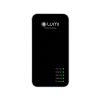
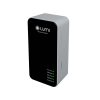
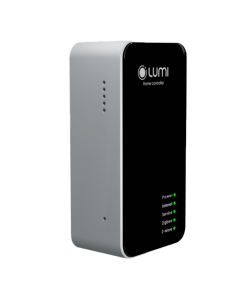
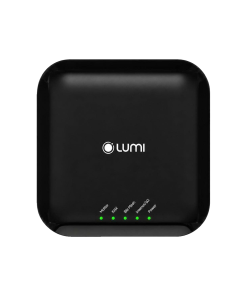
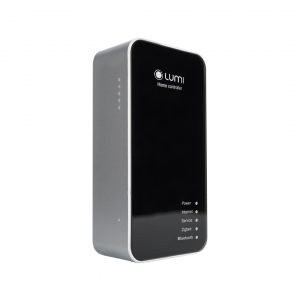
This is a smart home’s brain and integrated with Zigbee wireless network that allows customers to connect and manage electrical devices, store configuration settings of users and update status of devices.
TECHNICAL INFORMATION:
Considered the brain of a smart home, the central control unit adopts Zigbee wireless network, 802.15.4 standard and uses shortwave radio signals. It operates in the security area of the system, which is absolutely safe for your home against bad actors.
It is the place specialized in receiving and transmitting information to switches to tell the device to perform the task users require. It is also used to store configuration information as well as settings of users, update the status of devices and automatically make devices operate based on the configuration the user installs.
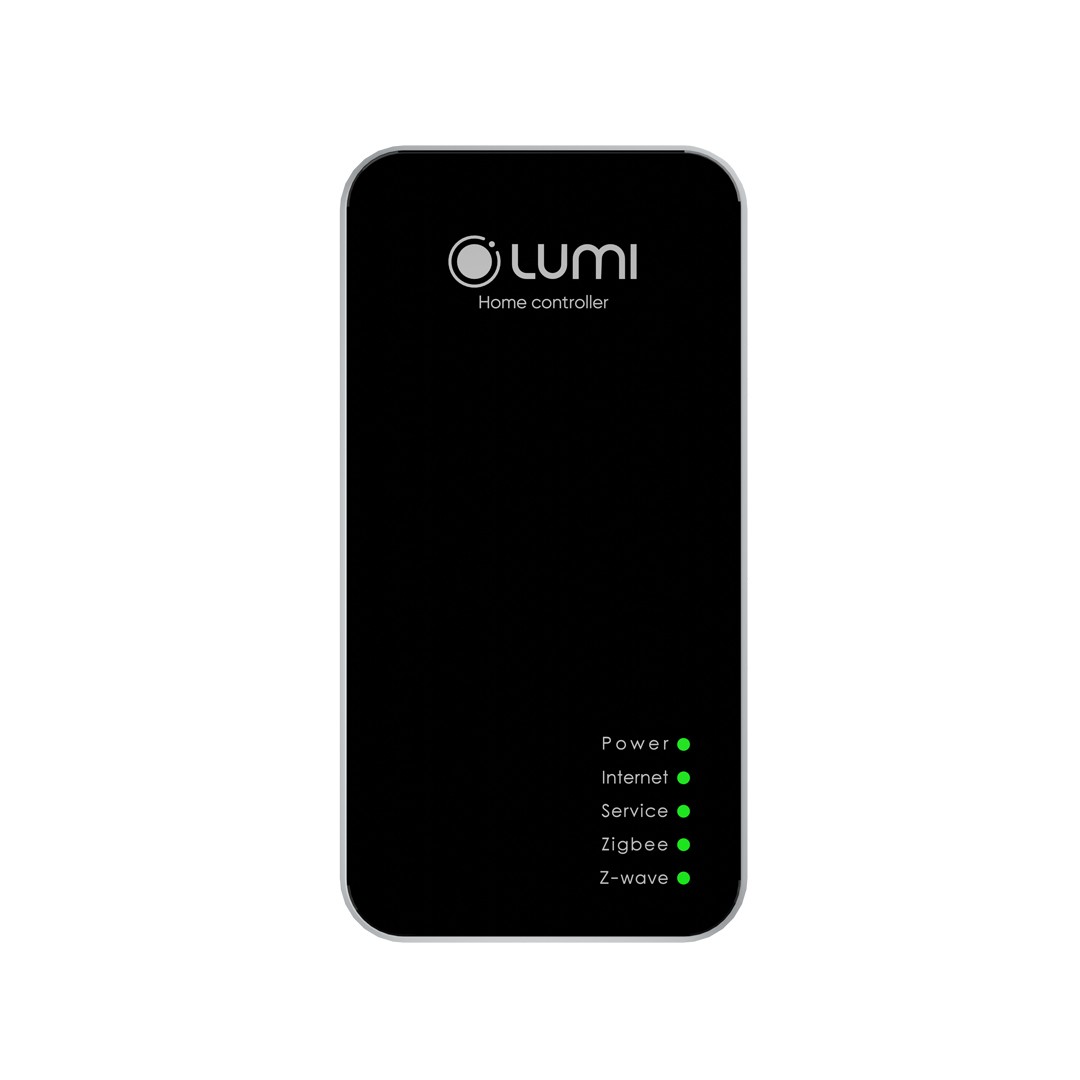
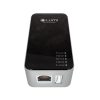
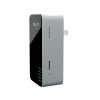
Precise and delicate design with 2 basic colors: black – silver.
1. APPLICATION
Without a central control, the system of switches that connect electrical appliances in the home will become a regular mechanical switch. But thanks to this device, you can control and set up the automatic mode for the electrical equipment system in your house on phones, tablets …
2. MODE OF OPERATION
The smart home controller will receive signals from sensors or users sent to the server. After receiving the information, the central controller – HC transmits a signal to the switch attached to the device to perform the user’s request.
For example: When the motion detection sensor sends the signal that means “someone moves into the sensor area” to HC which then transmits the received signal to the switch connected to the device such as corridor lights, tube lights … and they will automatically turn on / off.
In addition, HC also allows users to create animations. For example: You can make up a scene by using a switch to turn on or off all devices in the house through just 1 touch on the phone or tablet. Hence, you have complete control of all electrical appliances at home. Similar to other scenes such as reception, dinner, returning from work … for household devices.
3. ADVANTAGES OF THE CENTRAL CONTROLLER
Using ZigBee – the outstanding technology in the world with good security features, which can support and connect indoor devices into a smart network. Moreover, ZigBee consumes very little energy, which minimizes costs compared to other technologies.
In particular, Lumi server has successfully integrated with server of Amazon – USA to create smart home control solution by voice. It allows users to completely control devices in the house with their own ́ ‘powerful voice”. When you say “Turn on / off Lumi go home”, all the devices in the house will be on / off, depending on the command.
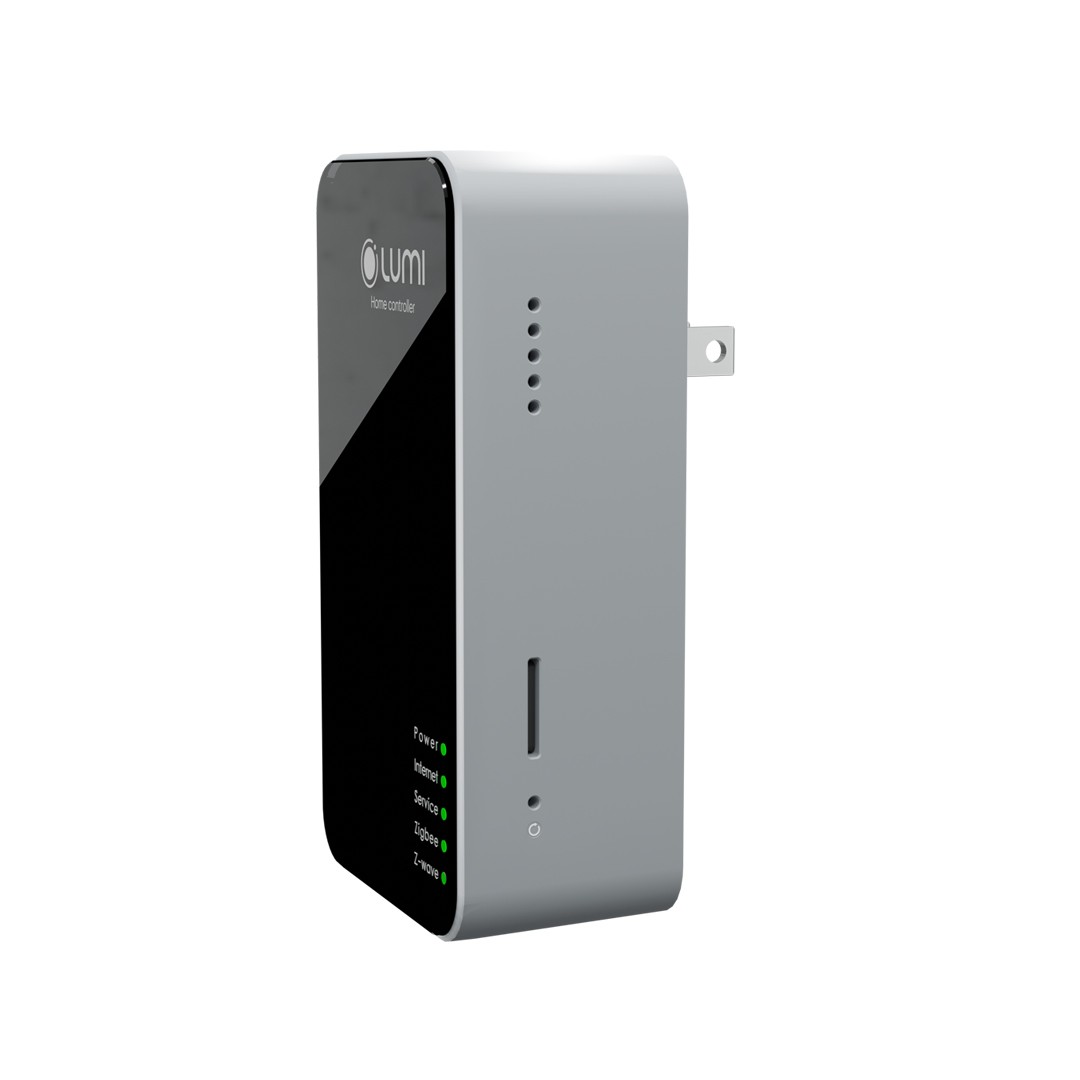
Lumi’s HC central controller is designed with a power plug attached. To power the device, the user simply plugs the device into a power outlet.
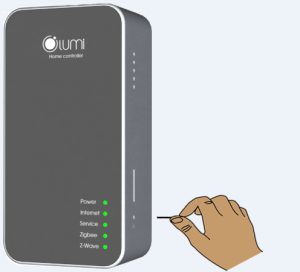
After being powered, the led 1 bright and always bright during operation, led 2, led 3, led 4, led 5 flash 3 times in a row. When the boot is successful,5 leds are bright, the user proceeds to configure the central controller.
Before performing an in-house smart device system installation, users need to check the firmware version of HC and update the firmware for HC if it is in a lower version than it is now.
Step 1 :
After the default power supply HC will broadcast wifi HCxxxx (xxxx – is the last 4 numbers of MAC HC), with the password is ABC123456. The user connects the phone or computer to HC’s wifi to perform the configuration.On a web browser, enter the default address 10.10.10.254 to enter the configuration section for the central controller.
The default password of the website is ABC123.
Step 2:
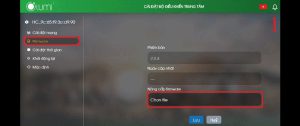
Successfully logging in, the user selects the Administration tab, in the Software information section select UPGRADE FIRMWARE, then select Chose the file to select the firmware file lumi provided saved in the machine. Finally select UPGRADE / RESTART to perform the firmware update process for HC.
Note:
The firmware upgrade process time is about 3 minutes, during this process, users absolutely must not lose HC power and ensure a stable power supply.
LM-HC has 2 internet connection modes: AP mode (wired LAN connection mode). Station mode (wifi connection mode).
AP mode:
By default, initially HC is in AP mode, users only need to power and plug in the LAN cable connecting the HC to the router / network modem.
To check whether the HC has received the network or not, the user connects to the wifi HC and accesses the address 10.10.10.254 in the browser to the HC configuration section, the configuration web password is ABC123.
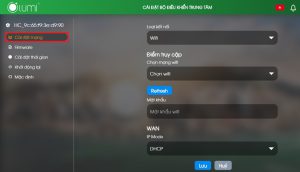
The user selects the Network tab, the WAN section will display the internet configuration parameters of HC if the HC has received the network from the router / network modem. In case the HC does not display any parameters, users need to check the internet connection, LAN line.
HC hasn’t received network
Station mode:
In case the infrastructure does not respond, it is not possible to pull the LAN wire to grant the network to the HC, users can configure the HC to connect to the router / network modem’s wifi.
For HC with firmware version 5.0.28 onwards users can install HC to connect to wifi using Lumi Life app and do not need to visit HC configuration web.
Case 1: HC has not been added to the house. For details, see installation instructions to add HC to the house when HC is connected to wifi.
Case 2: HC was added to the home and changed the wifi connection. For details, see instructions on installing HC to connect to wifi.
After installing HC in station mode, HC will not broadcast wifi. To turn on the HC transmitting wifi mode (AP mode), users press and hold the config 1s button to release, the HC will restart and broadcast the wifi.
The central controller has 2 modes of operation: Home Controller (HC) and Local Controller (LC).
By default, the HC will be in Home Controller mode, which is the main HC in the system.
When the need to expand the number of devices in a system, users need to use more than 1 set of HC. Then in the system there will be 1 main HC and the remaining HCs are sub-HC operating in LC mode.
To switch the operation mode for the central controller, the user connects to wifi HC and access the address 10.10.10.254 in the browser to the HC configuration section, the configuration web password is ABC123.
Administration tab, in the Running mode section, click on CONFIGURE and select Home Controller or Local Controller mode to configure the device to HC or LC depending on usage needs. Then select CONFIGURE & RESTART, HC will reboot and save the setting mode.
Users can reset the HC central controller to the default in 2 ways. Device actions:
Reset HC on device
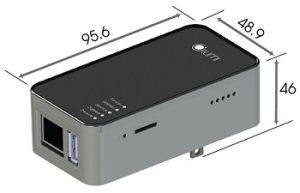
Press and hold the config button located next to the memory card slot on the HC for about 5s, observe the LED indicator light up to LED 4, then release. Then led 2, 3, 4, 5 flashed 3 times, HC restarted. After a successful reboot, HC lights up 5 LEDs and generates wifi.
Operation on the web configuration:
If the user connects to wifi HC, access address 10.10.10.254 in the browser to the HC configuration section, the web password is ABC123, select the Administration tab, and at Factory reset, select RESET.



 Tiếng Anh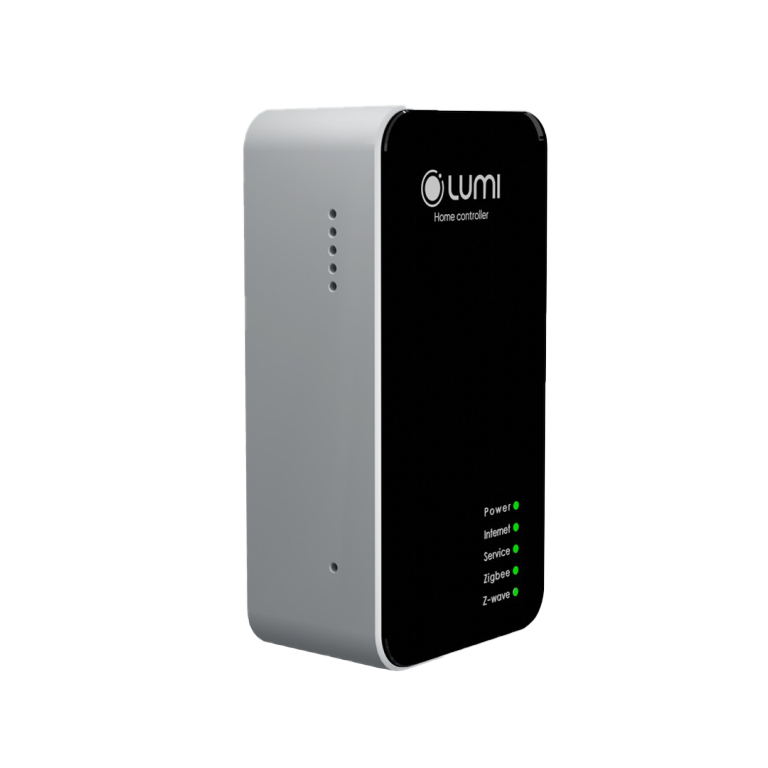



 lumi cung cấp


