The Luto Double Curtain Switch is a smart switch that lets you manage your curtains from anywhere. You may open and close your curtains with a simple tap on your smartphone or smart device without having to get up and adjust them manually. The switch is also compatible with voice assistants like Google Assistant, Alexa, and Siri, so you can control your curtains using your voice.
1. Features of the Luto Smart Curtain Switch
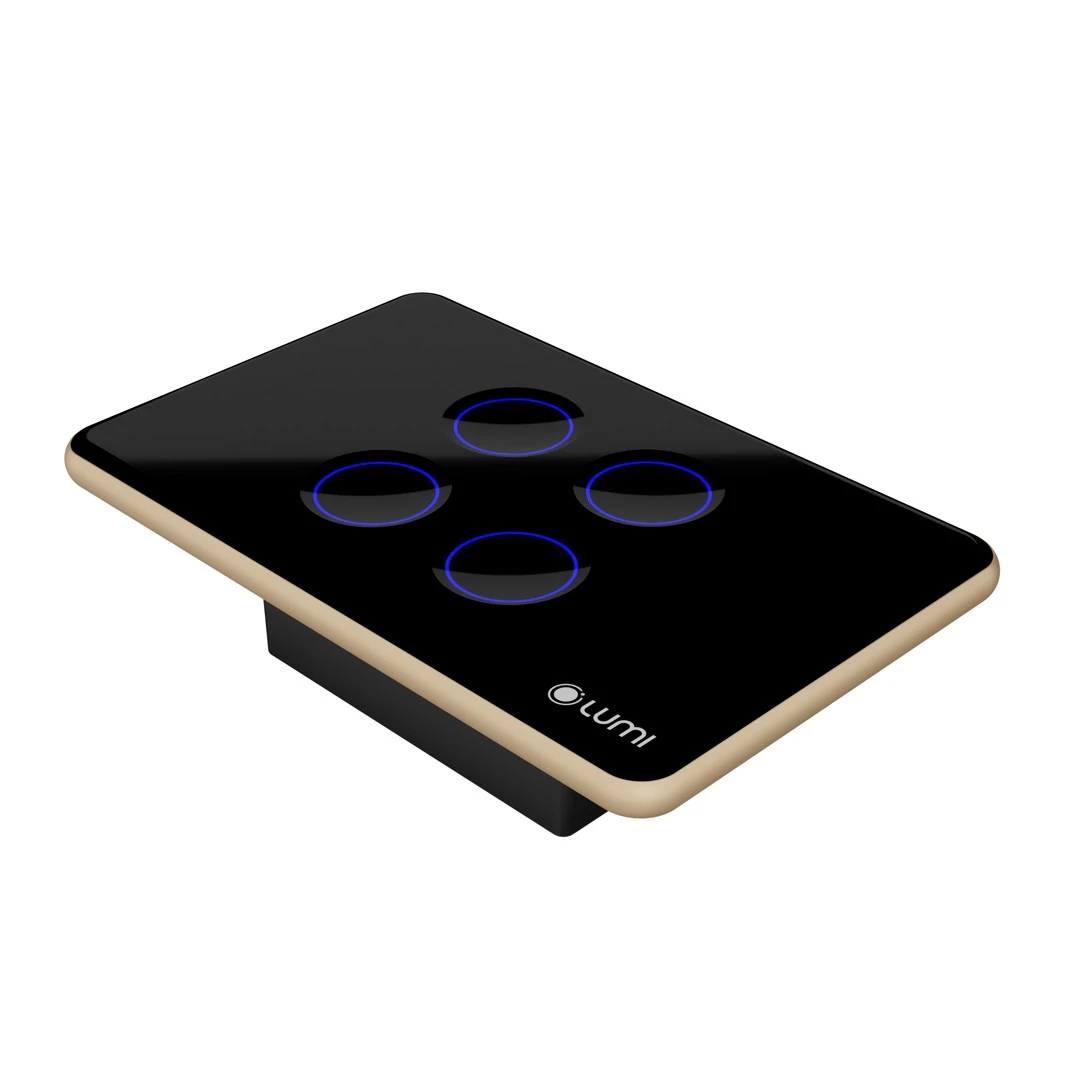
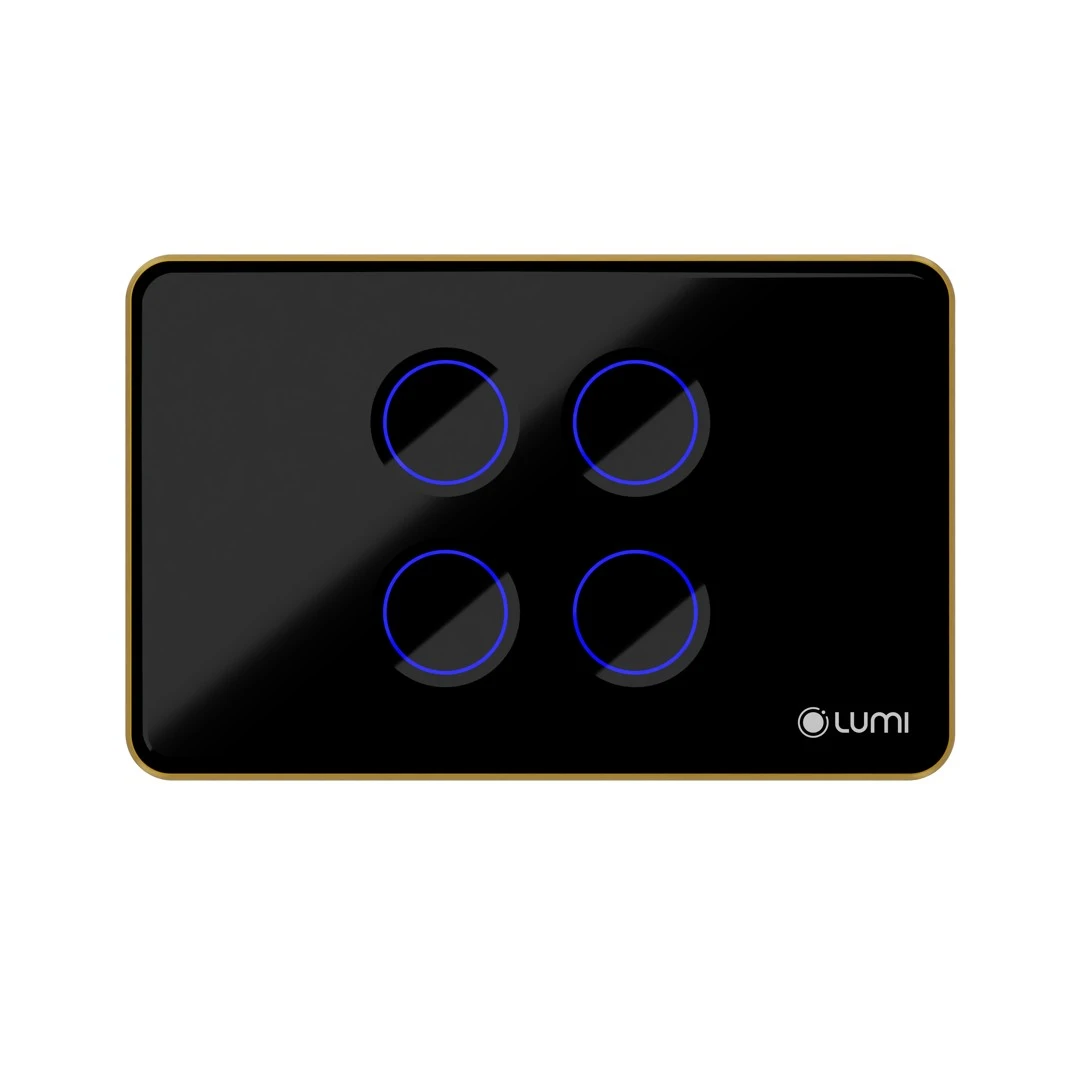
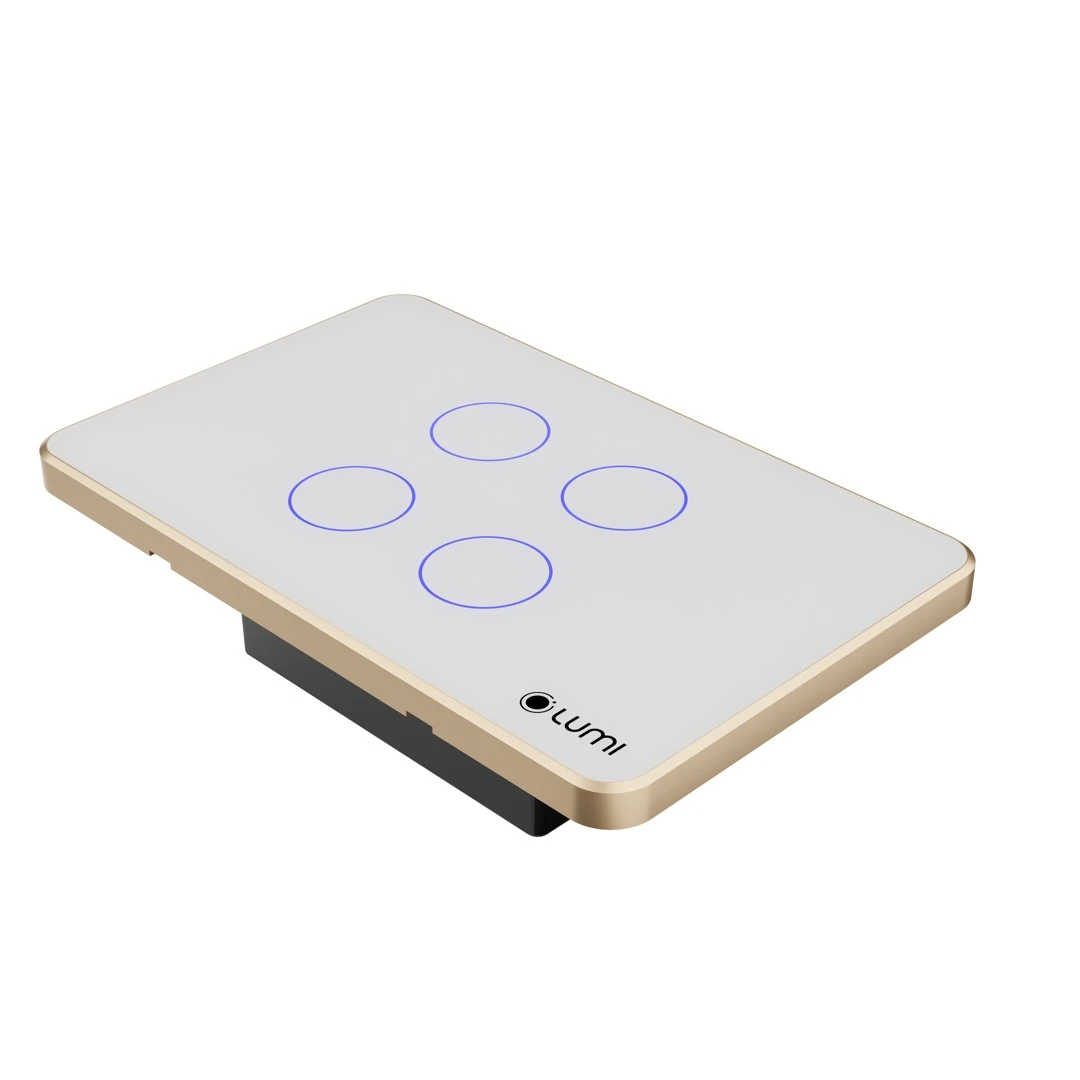
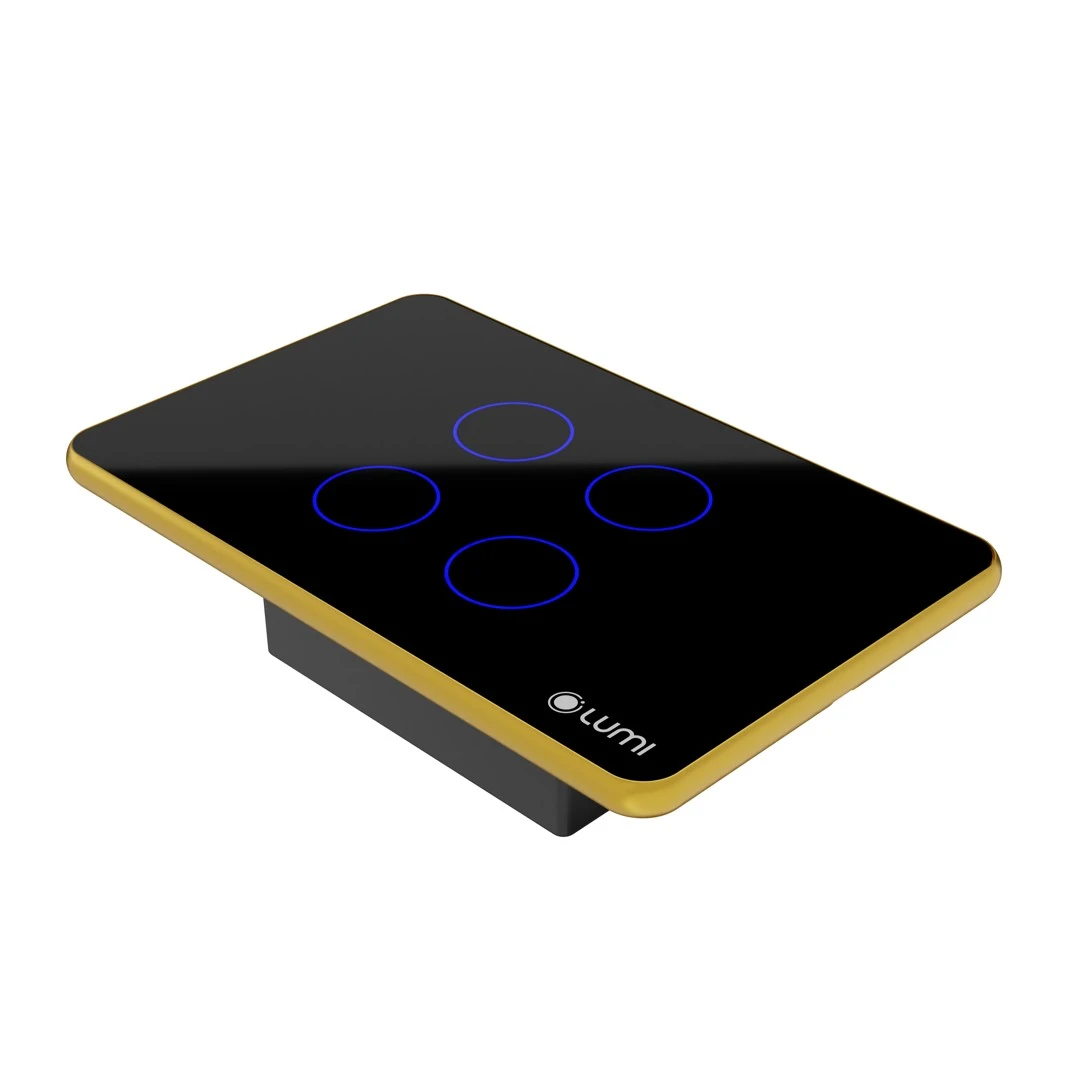
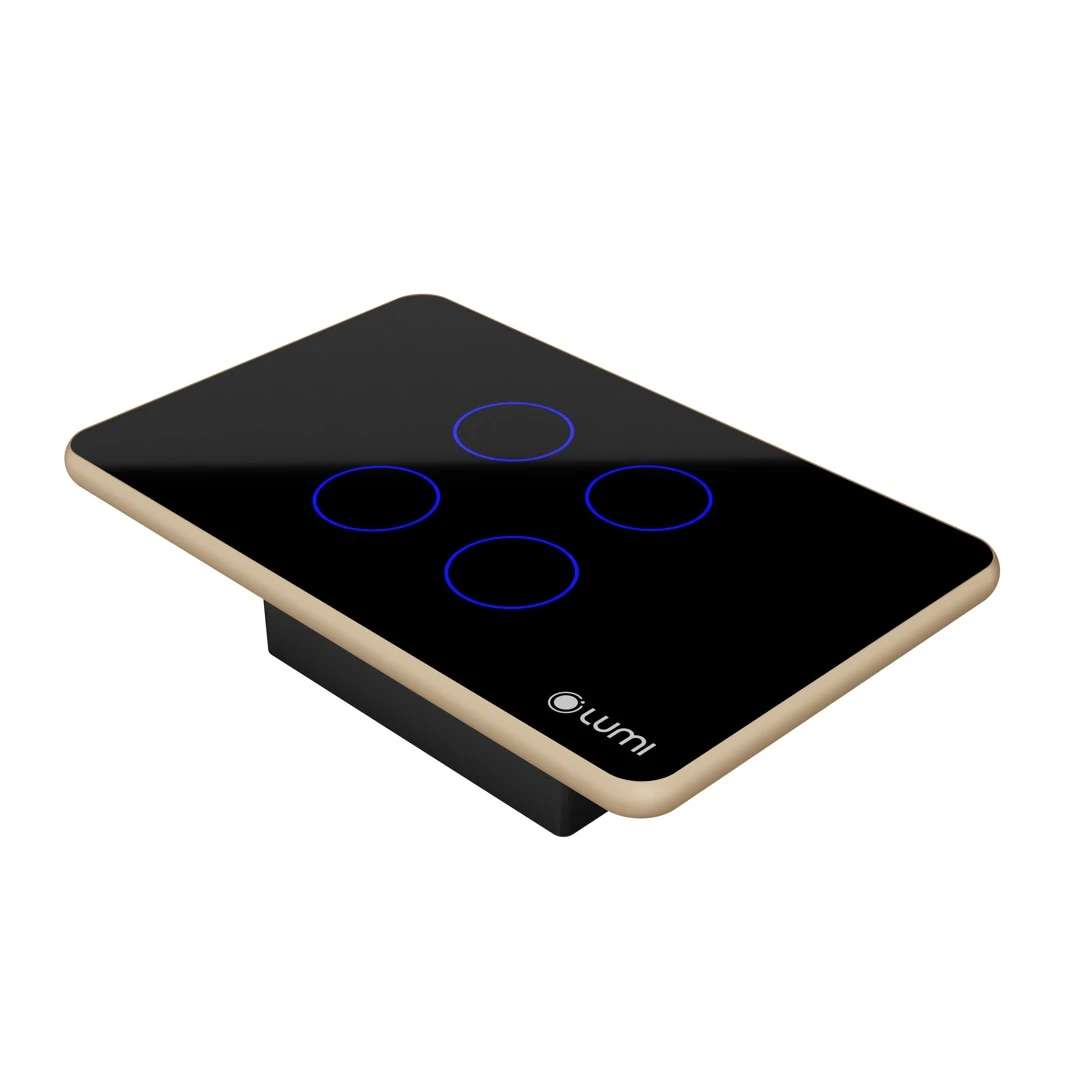
The Luto Double Curtain Smart Switch is part of the Luto Smart Touch Switch series, therefore it has the same design as the other smart switches.
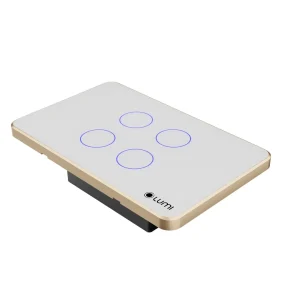
Uses capacitive touch technology. Tempered glass faceplate with scratch and impact resistance.
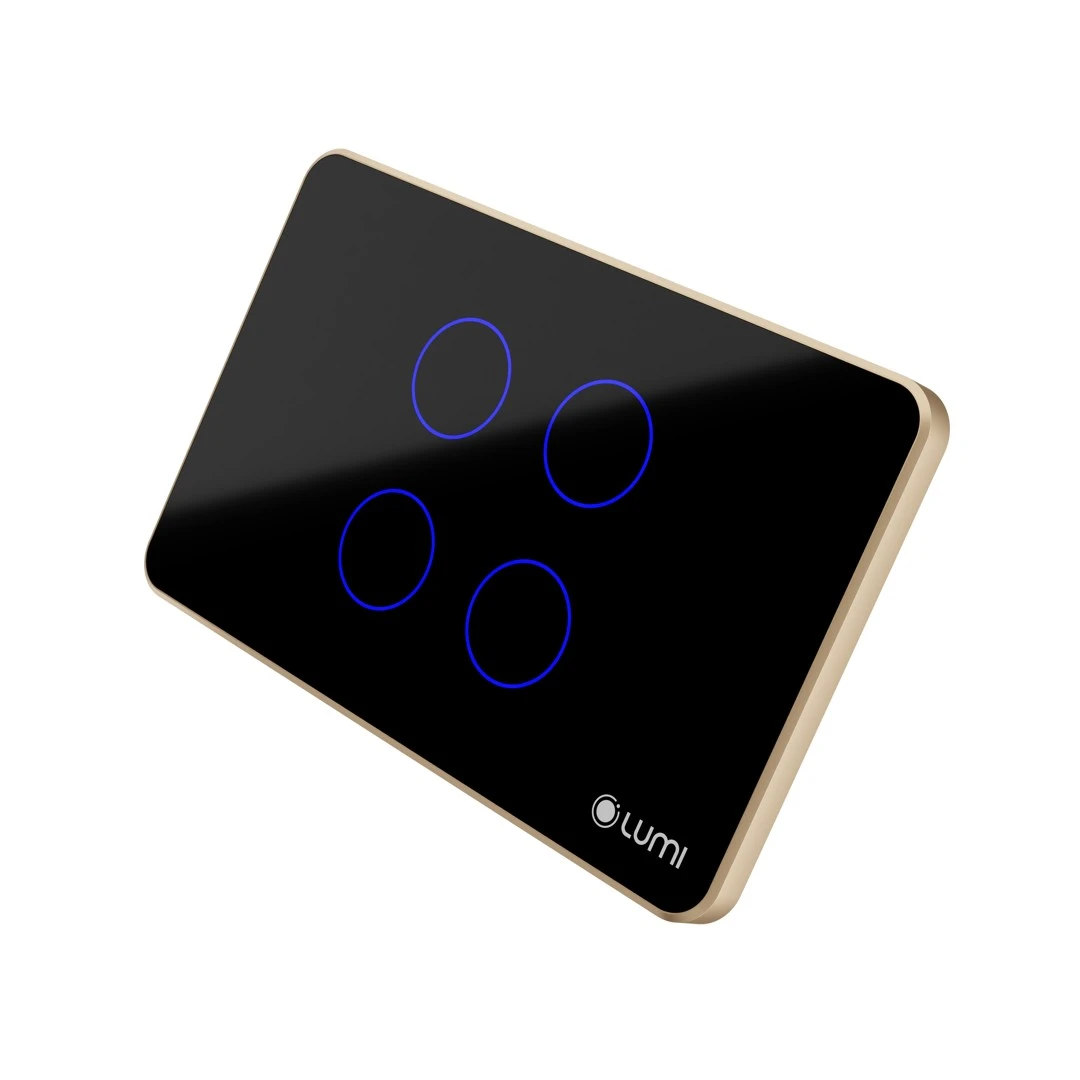
Combined with an evenly glowing LED ring around it thanks to Double-Shot technology, with the Lumi logo in the right corner serving as a brand highlight and product attraction.
The LED light is always lit up whether it is on or off; helps users to see the switch immediately even in the dark, making the house more sophisticated, elegant and modern.
2. Classification of Luto double curtain smart switch
Lumi double curtain smart switch includes the following types:
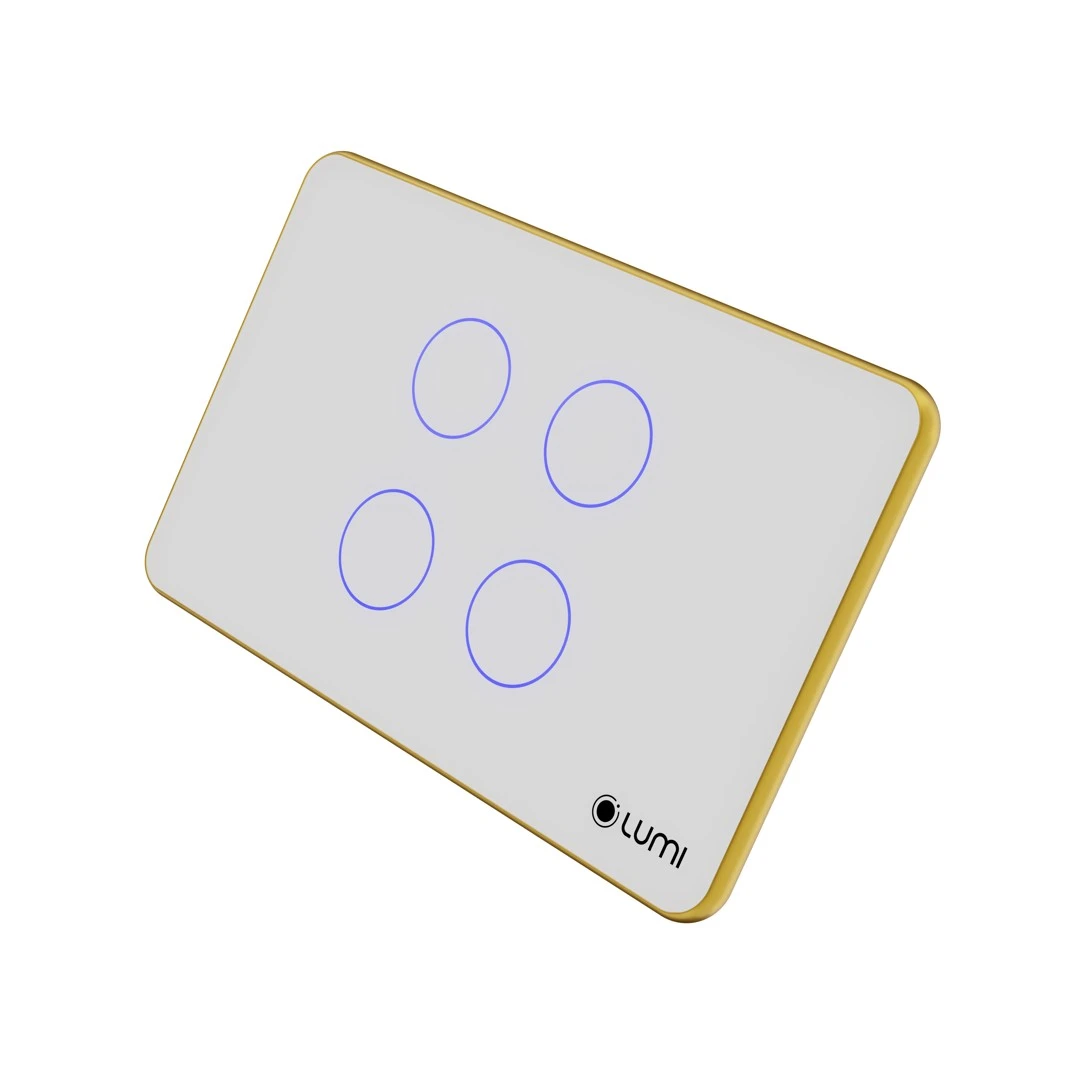
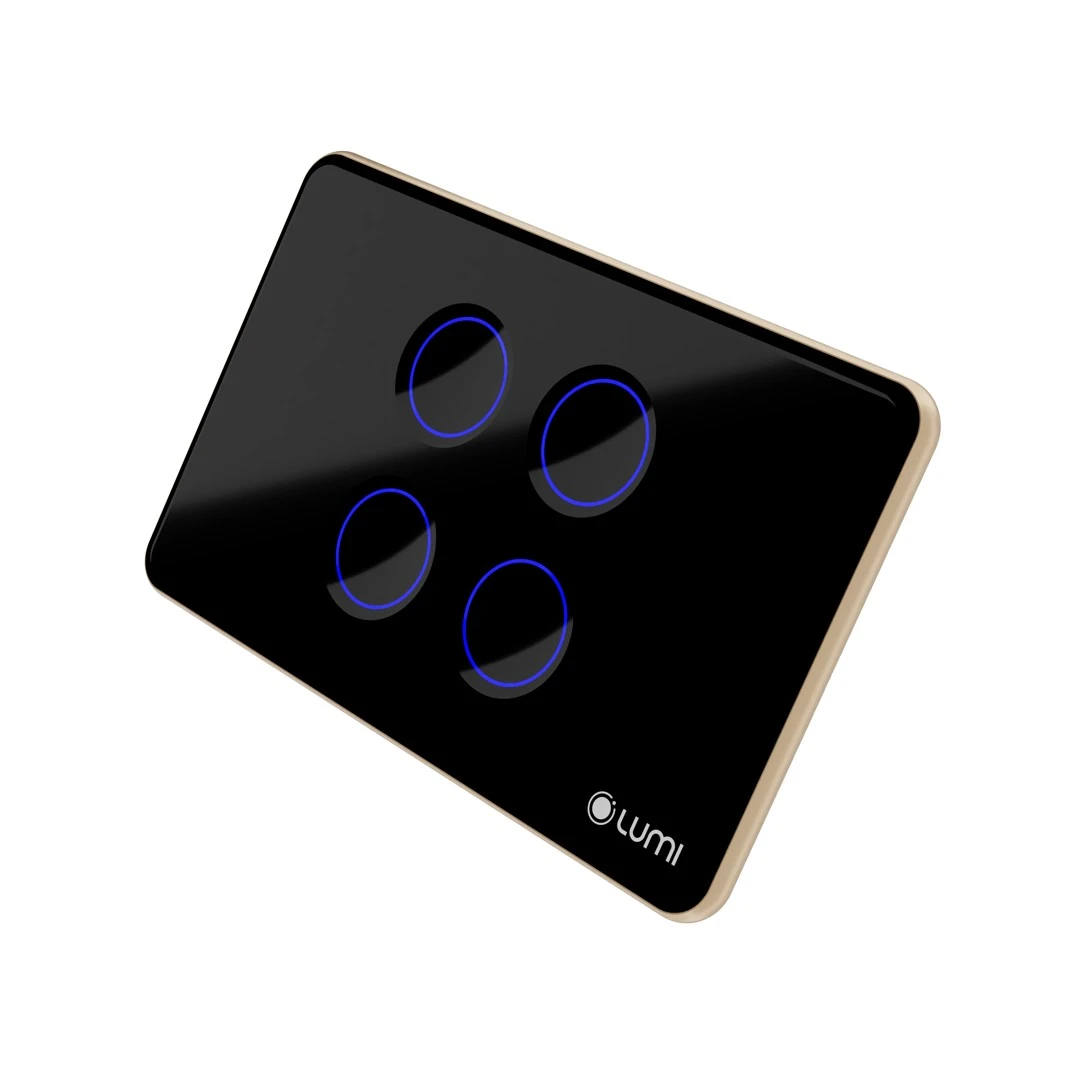
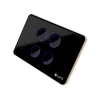
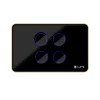
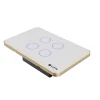
Color: Black and White
Shape: Rectangle and Square
Number of touch buttons: 4 (open/stop curtain 1, close/stop curtain 1, open/stop curtain 2, and close/stop curtain 2)
According to shape:
Rectangle: 123 x 78 x 32.5 mm
Square: 95 x 95 x 32.5 mm
Luto Smart Switch for Double Curtains
3. Functions of the Luto Smart Switch for Double Curtains
The Luto Smart Curtain Switch is a smart touch switch. You just need to lightly touch the LED ring on the glass surface to control the opening/closing of a double curtain device (2-layer curtain) – horizontal sliding curtain.
Lumi smart switches can also be managed remotely thanks to Zigbee/BLE Mesh wireless connection technology. Even when you’re not at home, you can close/open curtains easily via a smartphone.
When integrated into the Lumi smart home system, the Luto double curtain switch device can connect to other devices such as motion sensors, door sensors through the central controller.
Luto smart switches can receive control commands from the Lumi Life+ application on devices such as smartphones, tablets, or computers when connected to Wi-Fi or 3G.
This allows users to operate completely automatically according to scenes, schedules, or operate according to the smart security system.
4. Operation of the Luto Double Curtain Smart Switch
The double curtain smart switch has 4 buttons on its face, corresponding to the buttons: open/stop curtain 1, close/stop curtain 1, open/stop curtain 2, and close/stop curtain 2.
When the double curtain is open, the indicator light on the Open button will turn red.
After the double curtain is fully open, the Open button will turn green.
When closing the double curtain, the indicator light on the Close button will turn red.
After the double curtain is fully closed, the Close button will turn green.
When the double curtain is pressed to stop, the Stop button will be similar to the above.
Installing smart switches in curtain systems allows users to operate the system and view its status via an app. This makes it easy and convenient to operate curtains remotely rather than by pulling them manually.
5. Applications of the Luto double Curtain Switch
Schedule, turn on/off timer: Set a timer for each device and turn it on/off by the hour, day, or week. You may also set up scenes to have the curtain work automatically.
For example: The curtains automatically open at 5:30 a.m. to welcome the new day, and close at 10 p.m. to end the day. Your space becomes significantly more pleasant and convenient.
With Lumi’s voice recognition solution, you can control the curtain system with your own “powerful voice”.
For example: when you say the command “OK GOOGLE, OPEN CURTAIN; Hey SIRI, OPEN CURTAIN” all the curtains in the house will be completely opened or closed, depending on the command.
Using a double curtain smart switch is easy to use for the elderly. Voice-controlled smart homes are an ideal choice for every Vietnamese family.
LM-S4C/S is a double curtain smart switch from Lumi that supports controlling a curtain motor having 4 control wires.
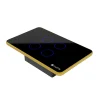
Design: Scratch-resistant tempered glass with a solid aluminum bezel.
Technology: Capacitive touch, Zigbee/BLE Mesh wireless communication protocol.
Control method: Manual, remote control via the Lumi Life+ app through the central controller.
2. Technical specifications
Operating voltage: 100 – 240VAC ~ 50/60Hz
Operating temperature: 0℃ – 50℃
Communication: ZigBee/BLE Mesh
ZigBee transmit power: 10 dbm
No-load power consumption: < 0.5W
Load capacity: Resistive load: 3000W/channel | LED load: 300W/channel | Total load capacity: <4000W
Dimensions (L x W x H): Rectangular: 123 x 78 x 32.5 mm | Square: 95 x 95 x 32.5 mm
Power: Isolated power
Overload Protection: Yes
Overvoltage Protection: Overvoltage protection at 275V, automatic cut-off
Diffuser: Even light diffusion
Version: All buttons are CSC for versions 1, 2, 3, and 4 buttons
Compatibility: Compatible with Simon single and double recessed boxes
Moisture Resistance: High
Installation
Step 1: Wire the device.
Wiring diagram:
L: Connect the live wire of the power supply.
N: Connect the neutral wire of the power supply.
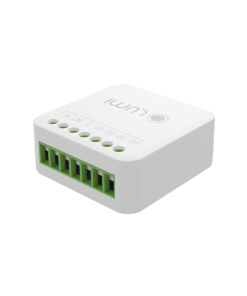
The control wires for open, stop, and close are marked on the corresponding pins.
In a double curtain system, the two COM wires of the two curtain motors are both connected to the C terminal.
Step 2: Install the switch in the recessed box.
Remove the switch glass: Use a screwdriver to insert into the small groove on the switch bezel and gently push to remove the glass.
Install the switch in the recessed box and reinstall the glass.
Note:
Compress the electrical wires in the recessed box to fit the switch and avoid screwing into the wires.
Do not screw too tightly, as this will bend the switch, warp the switch’s touch circuit, and prevent the switch from being turned on or off manually.
4. User guide
4.1. Controlling the opening/stopping/closing of the curtain
To open, pause, or close the curtain, the user taps the switch’s LED ring.
4.2. Learning the closing/opening path of a double curtain
Learning the curtain switch path
Step 1: Press and hold button number 1 for 3 seconds until the indicator light on button 1 turns red, then release your hand and the curtain will automatically open. When the curtain is entirely open, move on to step 2.
Step 2: Press button 3; the indicator lights for buttons 2 and 3 will become red, indicating that the closing path is being learned. When the curtain is completely closed, move on to step 3.
Step 3: Press button number 2, and the indicator lights for buttons 1 and 2 will turn red to indicate that the opening path is being learned. When the curtain is fully open, the indicator lights will return to blue and exit the learning path mode.
Repeat the steps to set the open/close track for the second curtain (buttons 3 and 4).
4.3. Touch lock:
Since February 24, 2020, the curtain switch has a touch lock function, users will not be able to turn on/off manually and can only be controlled by the Lumi Life app.
Press the config button 10 times in a row to lock and unlock the touch sensor.
Touch sensor lock – All LEDs flash red 5 times.
Touch sensor unlock – All LEDs flash green 5 times.
4.4. Changing the brightness of the indicator light
The indicator light on the switch has two levels, bright or dim. For switches manufactured before February 2, 2020, users push and hold the config button for 8 seconds, seeing the indicator light change brightness before releasing.
For switches purchased after February 24, 2020, users must press and hold the config button for 5 seconds while the indicator light changes brightness before releasing.
5. Setup devices
5.1. Joining the network
To set up the switch control via the app on the phone, users need a central controller (HC) and have created a home on the system.
Users log in to the Lumi Life+ app > select Settings > select Device Settings > select HC > Zigbee > Join Network.
The indicator light on the switch flashes red four times in a row with a cycle of 1s/1 time when joining the network successfully.
If the switch does not join the network, the switch may have been configured, and the user can reset the device to return to the network joining mode.
5.2. Controlling devices on the Lumi Life+ app
After connecting the switch to the network, the user names the device and places it in a room to operate it using the Lumi Life+ app on the phone.
Bright icon: The curtain is opening.
Dark icon: The curtain is fully closed.
The user touches the LED ring to open/close/stop the curtain.
In addition, users can configure the device with complex functions such as rule, scene, and schedule setup.
6. Device reset
6.1. Reset Zigbee 3.0 switch
From February 24, 2020, to reset and remove the device from the network, users press the config button five times in a row.
If the device is in the network, after the reset, the indicator light of the device will flash red twice in a row to indicate that the network has been deleted successfully. Then, it will flash red twice in a row again to indicate that it has been restarted and flash red three times in a row to return to the automatic search mode.
6.2. Reset Zigbee 1.2 switch
Before February 24, 2020, to reset and remove the device from the network, users press and hold the touch button for 5 seconds, when the indicator light flashes red, then release the hand.
Reset successfully, the indicator light flashes red three times in a row and the device returns to the automatic search process.
Note: Hold down any button and observe that all 4 indicator lights turn pink before releasing the button.
7. Packaged product set
The curtain smart switch set is packaged in a box including: 1 Luto double curtain smart switch set, 2 screws, 1 user manual.
Tìm điểm bán
Tìm kiếm
CÔNG TY TNHH THƯƠNG MẠI VÀ DỊCH VỤ AN TÂM LOCK
Shophouse 4B Chung cư An Phú Thịnh – Quy Nhơn – Bình Định
CÔNG TY TNHH THẾ GIỚI ĐÈN VIỆT NAM
Số 153A, Đường Hà Huy Tập, Phường Thành Sen, Tỉnh Hà Tĩnh
CÔNG TY TNHH XÂY DỰNG VÀ PHÁT TRIỂN CÔNG NGHỆ SỐ THĂNG LONG
Số 123 đường La Giang, Thôn 4, Xã Đức Thọ, Hà Tĩnh, Việt Nam.
Công Ty TNHH Kinh Doanh Và Lắp Đặt Công Nghệ TP
Số 101, đường Hải Thượng Lãn Ông, Tổ 6, Phường Thành Sen, Tỉnh Hà Tĩnh
SMARTHOME HÒA BÌNH
Số 299 Trần Hưng Đạo, phường Phương Lâm, thành phố Hòa Bình, tỉnh Hòa Bình
PHAN KHẮC LƯƠNG
LK11-7 khu dân cư Bắc Trần Hưng Đạo, Phường Hòa Bình, Tỉnh Phú Thọ
CÔNG TY TNHH CÔNG NGHỆ ANH PHÚ VINH
Thôn Phạm Kham, Xã Như Quỳnh, Tỉnh Hưng Yên
CÔNG TY TNHH NHÀ THÔNG MINH HOMEQ
128 Song Hành, KDC Lake View, Phường Bình Trưng, TP. Hồ Chí Minh
CÔNG TY TNHH MINH TRÚC HOME
99 đường số 5, Phường Bình Trưng , TP. Hồ Chí Minh
CÔNG TY CỔ PHẦN 6SHOME
86 đường số 9, KĐT Vạn Phúc, Phường Hiệp Bình, TP. Hồ Chí Minh
CÔNG TY TNHH KỸ THUẬT CÔNG NGHỆ MINH ĐẠT
số 24, Đường số 7, KDC Cityland Park Hills, phường 10, Quận Gò Vấp



 Tiếng Anh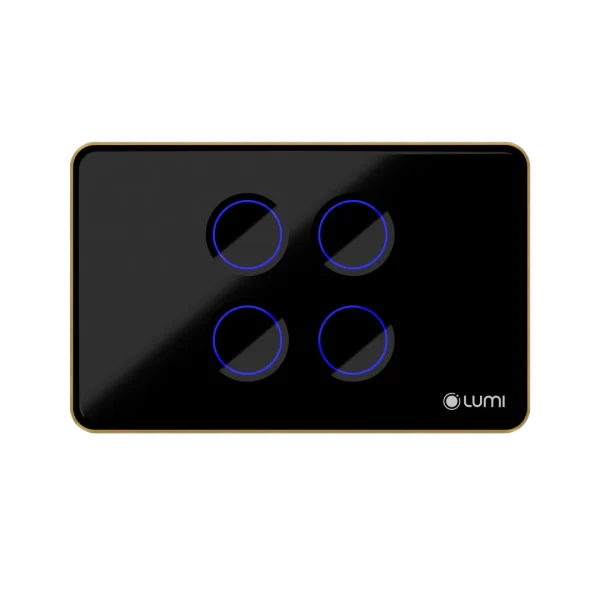

 lumi cung cấp


